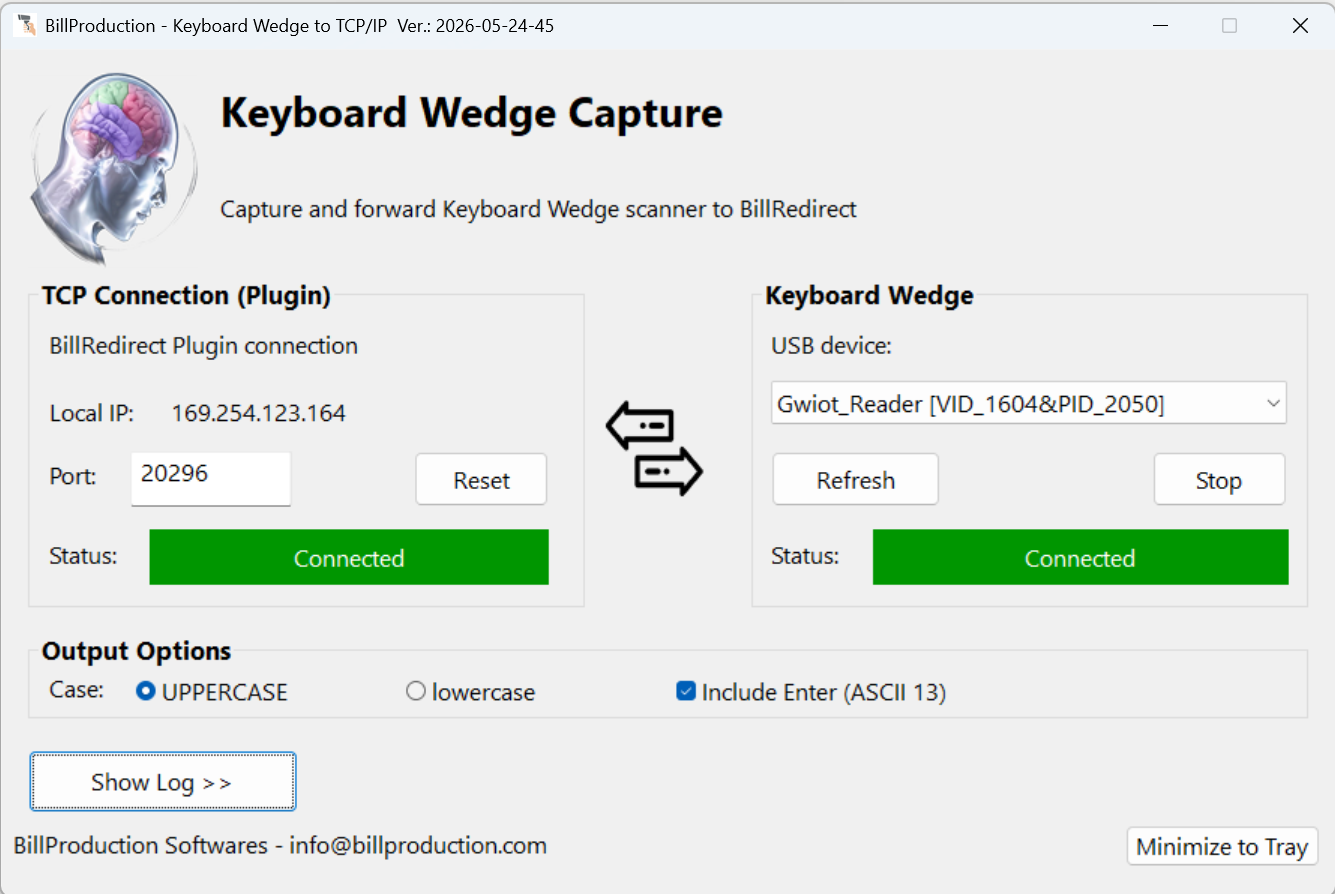
Bill Redirect combined with the free Keyboard Wedge Capture plugin intercepts USB HID keyboard devices — barcode scanners, RFID and proximity card readers, scales and gauges — captures their data before it reaches the active Windows application, lets you translate the captured number using a lookup table, and routes the result to TCP, file, Microsoft Excel or back to keyboard emulation.
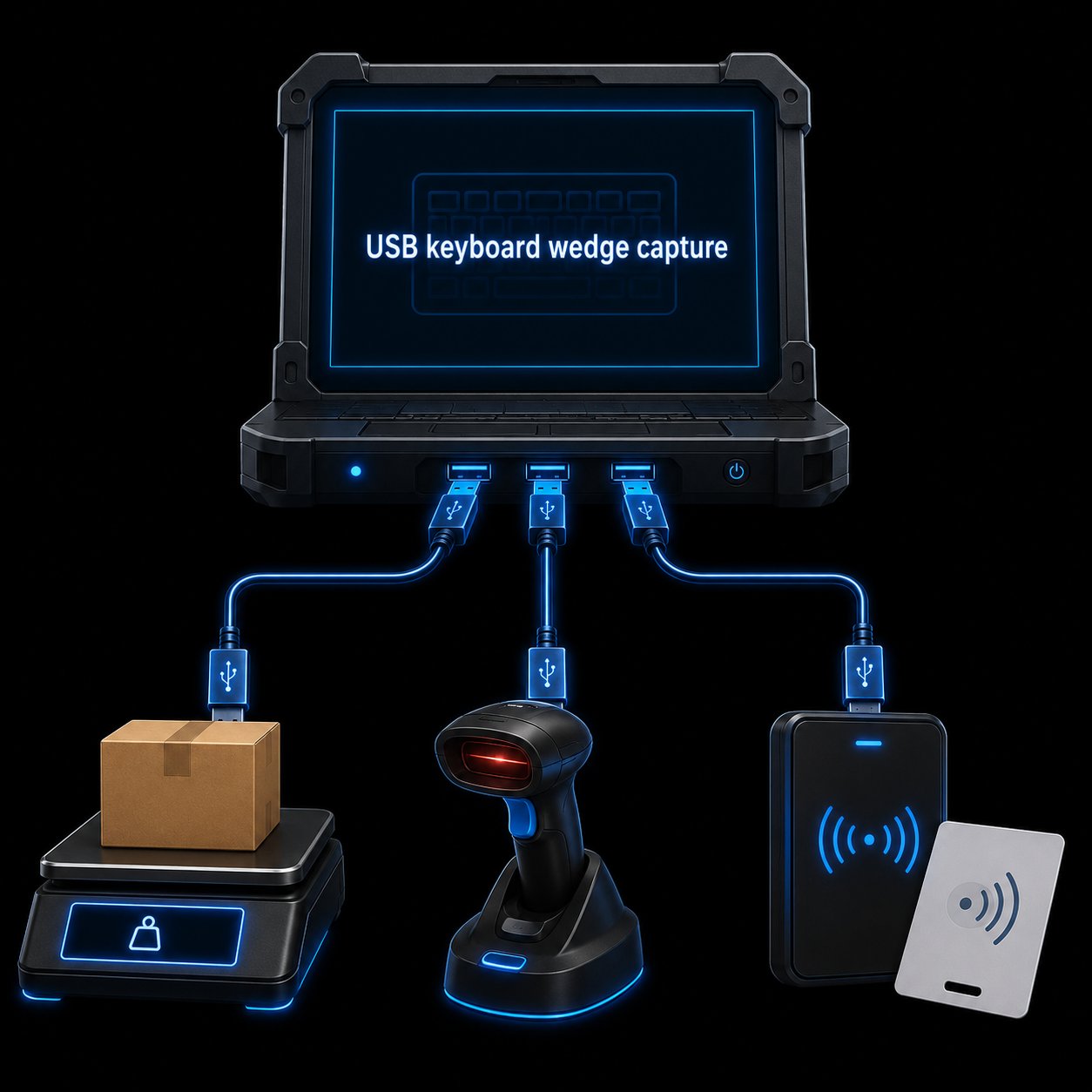
Intercept the data stream from any USB HID keyboard device before it reaches the active Windows application.
A USB keyboard wedge is any USB device that operates in HID Keyboard Mode
— when you connect it, Windows sees it as a keyboard and the device "types" its data into whatever
application is currently active. Barcode scanners, RFID and proximity card readers, USB postal scales,
digital gauges and many industrial readers all work this way. Quick to plug in, but you have no
control over the data once it has been typed into your application.
A USB keyboard wedge interceptor sits between the device and your application: it captures every keystroke the device sends, lets you inspect, modify or translate the captured value, and then routes the result wherever you want — TCP socket, file, Excel, or back to keyboard emulation so the modified value reaches your application as if nothing happened.
Bill Redirect + Keyboard Wedge Capture is exactly that interceptor: a paid Windows
application (Bill Redirect, $45 CAD per computer) and a free resident plugin (Keyboard Wedge Capture,
version 2026-05-24-45) that together convert any USB keyboard-emulating reader into a
programmable data source.
Every feature you need to turn a "dumb" keyboard wedge device into a programmable data source.
Capture the data stream from any USB device that operates in HID Keyboard Mode — before it reaches the active Windows application.
Read RFID badges, proximity cards and tokens from USB readers (rfIDEAS, HID, Datalogic, others) — capture the raw card number.
Capture barcode data from USB Keyboard Wedge scanners — 1D, 2D, QR — whatever your reader sends.
Capture weight from USB HID scales and readings from USB digital gauges that operate in keyboard emulation mode.
Translate the captured card number, badge ID or barcode into a different value — employee name, account number, internal SKU — using a built-in lookup table.
Send the captured (and optionally translated) value to TCP, file, Microsoft Excel or back to keyboard emulation — one device, multiple destinations.
Add a prefix or suffix per device, apply find-and-replace rules, strip unwanted ASCII characters before routing.
The plugin runs as a resident process — invisible to your existing application. No code change required on the application side.
The lookup table is the cornerstone of the Keyboard Wedge Capture plugin for RFID and proximity card readers.
A USB RFID or proximity card reader in HID Keyboard Mode simply "types" the raw card
number when a card is presented — something like 0001234567 or 4400123ABC.
Useful, but the raw number rarely matches what your application expects.
With the Keyboard Wedge Capture lookup table — configured inside Bill Redirect, under the Search and Replace section — you map each raw card number to the value your application actually needs:
0001234567 → "Jean Tremblay" (employee name)4400123ABC → "ACC-00428" (internal account number)When a known card is read, the corresponding value is sent to your destination of choice — TCP, file, Excel or keyboard emulation. Unknown cards can be ignored, logged or passed through unchanged.
Connect your USB barcode scanner, RFID/proximity reader, USB HID scale or gauge. Windows recognizes it as a standard HID keyboard — no driver needed.
Download Bill_COMtoKB.ZIP (Bill Redirect, the engine) and KeyboardWedgeCapture.zip (the free plugin). Install Bill Redirect, then extract the plugin contents into C:\BillProduction.CFG\.
In Bill Redirect, open the Plugin section and turn ON the destination switches for every channel where the captured data should be sent (TCP, File, Excel, keyboard emulation, etc.). Leave the "Pressed key" switch OFF — that's the source channel being intercepted, not a destination.
Open the Data Filtering Configuration section of Bill Redirect. Define your lookup table entries (raw value → translated value) under Search and Replace, add prefix/suffix per device, and set ASCII filters as needed.
Pick one or several destinations. The translated value is sent to your application, server or spreadsheet — every time a card is scanned, a barcode read, a weight captured.
Four output channels. Use one, use all of them — same data, multiple destinations.
Send each captured (and translated) value to your TCP server, web service or another computer on the network.
Append every read to a text file, CSV log or any file path of your choice — perfect for audit trails and offline data collection.
Write directly into a specific Excel cell in real time via the free Bill Redirect Excel DDE plugin — live dashboards, weighing sheets, scan logs.
Send the translated value as keystrokes to the active Windows application — your existing software receives the corrected value as if it had been typed.
If your USB device "types" into Notepad when you plug it in, the Keyboard Wedge Capture plugin can intercept it.
 USB barcode scanner
 USB RFID reader
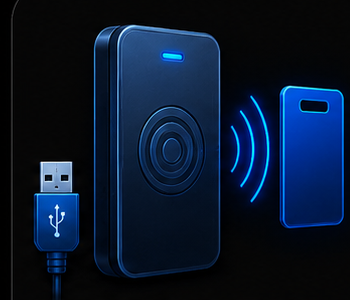 USB proximity reader
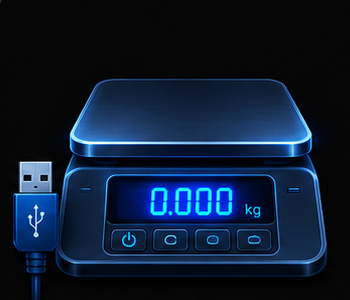 USB HID scale
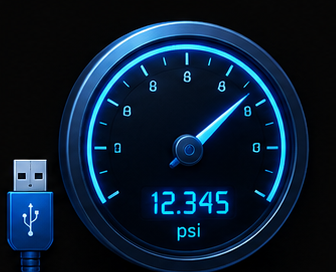 USB HID gauge
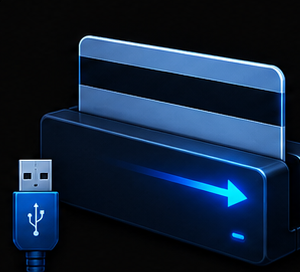 USB magnetic stripe reader
 USB OCR reader
A prefix or suffix can be added to the scanned code, and the reader's own configuration can be changed to match your workflow.
The plugin is free. Bill Redirect ships with a free trial — buy a license when you're ready.
The keyboard wedge emulation software that powers the interceptor. Full-featured trial.
The free resident plugin. Version 2026-05-24-45. Drop it into the Bill Redirect configuration folder.
Complete plugin manual — installation, configuration, lookup table, data routing.
See the plugin in action — the configuration UI, the lookup table editor and the live capture view.
Download both pieces, configure your lookup table, and intercept your first card or barcode in under five minutes.
The Keyboard Wedge Capture plugin is free. Bill Redirect is $45 CAD per computer.
$45 CAD per computer. The Keyboard Wedge Capture plugin is included free. Includes free integration support.
You don't need a PayPal account to place a credit-card order — use the "Don't have a PayPal account" option at checkout.
A USB keyboard wedge interceptor is software that captures the data coming from a USB device operating in HID Keyboard Mode — a barcode scanner, RFID reader, proximity card reader, USB HID scale or gauge that types its data into the active Windows application as if it were typed on a keyboard. Bill Redirect with the Keyboard Wedge Capture plugin intercepts that data before it reaches the application, lets you modify or translate it, and routes it to TCP, file, Excel or back to keyboard emulation.
Yes. The Keyboard Wedge Capture plugin includes a lookup table — when an RFID or proximity card is read, the captured number is matched against the table and the corresponding value you defined (employee name, account number, internal ID, etc.) is sent to your application instead. You can also keep the original number, add a prefix or suffix, or apply find-and-replace rules.
Any USB device that operates in HID Keyboard Mode is compatible — including barcode scanners and RFID/proximity readers from rfIDEAS, Datalogic, Zebra, Symbol, Honeywell, HID, and most USB HID scales and gauges. If your device types into Notepad when you connect it, the Keyboard Wedge Capture plugin can intercept it.
The captured data can be routed to a TCP socket (your server or web service), a file (CSV, log, or any text file), Microsoft Excel (live cell update via the free Excel DDE plugin), or back to keyboard emulation (the modified value reaches your active Windows application as if typed). One device can route to multiple destinations at once.
Yes. Bill Redirect and the Keyboard Wedge Capture plugin run on Windows 98, Me, 2000, XP, Vista, 7, 8, 10 and Windows 11. One license per computer.
Bill Redirect costs $45 CAD per computer. The Keyboard Wedge Capture plugin is free. You can download a free trial of Bill Redirect to test the interception with your USB device before purchasing the license.